No team? No problem.
Create, clip and ship a week of content from one place.
CelestiAI is the go-to-market stack for one person. Turn a script into a finished video, turn your talking-head videos into branded clips with hooks and CEO-style graphics, make slideshows and voiceovers, then schedule everything to TikTok, Instagram, YouTube and Facebook.
Free plan · No credit card needed
The solo founder stack
Everything a content team does, in one place
- 1Create
Make the content
- Script to video, short or long-form
- Talking mascot host
- Slideshow maker
- Thai and English AI voices
- 2Clip & brand
Turn yourself into clips
- One long video in, many vertical clips out
- Auto hook and captions
- CEO-branding motion graphics
- Save your edit as a Recipe
- 3Ship
Post it everywhere
- Content calendar for the whole week
- Schedule to TikTok, Instagram, YouTube and Facebook
- Approve drafts before they go out
- Captions with your brand call to action
What you can make
Script to video
A script in, a finished narrated video out, with an optional talking mascot host. Shorts or long YouTube videos.
Slideshow maker
Photo slideshows for TikTok and Reels, from a proven format or made with AI.
Voice AI
Natural Thai and English voices. Design a voice, clone one or change yours.
Script to video
Paste a script. Get the whole video.
CelestiAI reads your script, splits it into scenes, records the voiceover and builds every scene with footage, motion graphics and word-by-word captions. You get one MP4, ready to post.
- Scripts up to 60,000 characters, enough for a long YouTube video
- Thai and English voiceover, timed to every word
- Pick a look: documentary, explainer, story, finance, anime and more
- 9:16 for Shorts, TikTok and Reels, or 16:9 for YouTube
One documentary script, every scene made for you
Three scenes from one long-form history script. Each scene is made from its own lines of the script.
Choose the look of your video
Short videos · 9:16
Finished shorts, with voice and captions
Real videos made from one script each. Tap one to hear it.
"What if" science explainer
“The Moon just vanished. Nobody noticed. Yet.”
Stick-figure list
“5 habits that quietly keep you broke.”
×2 every time
“Fold it. Double it. Every time.”
Blocky game story
“Every time I jump, I get +1 speed.”

Surprised
Tap a reaction
Talking mascot host
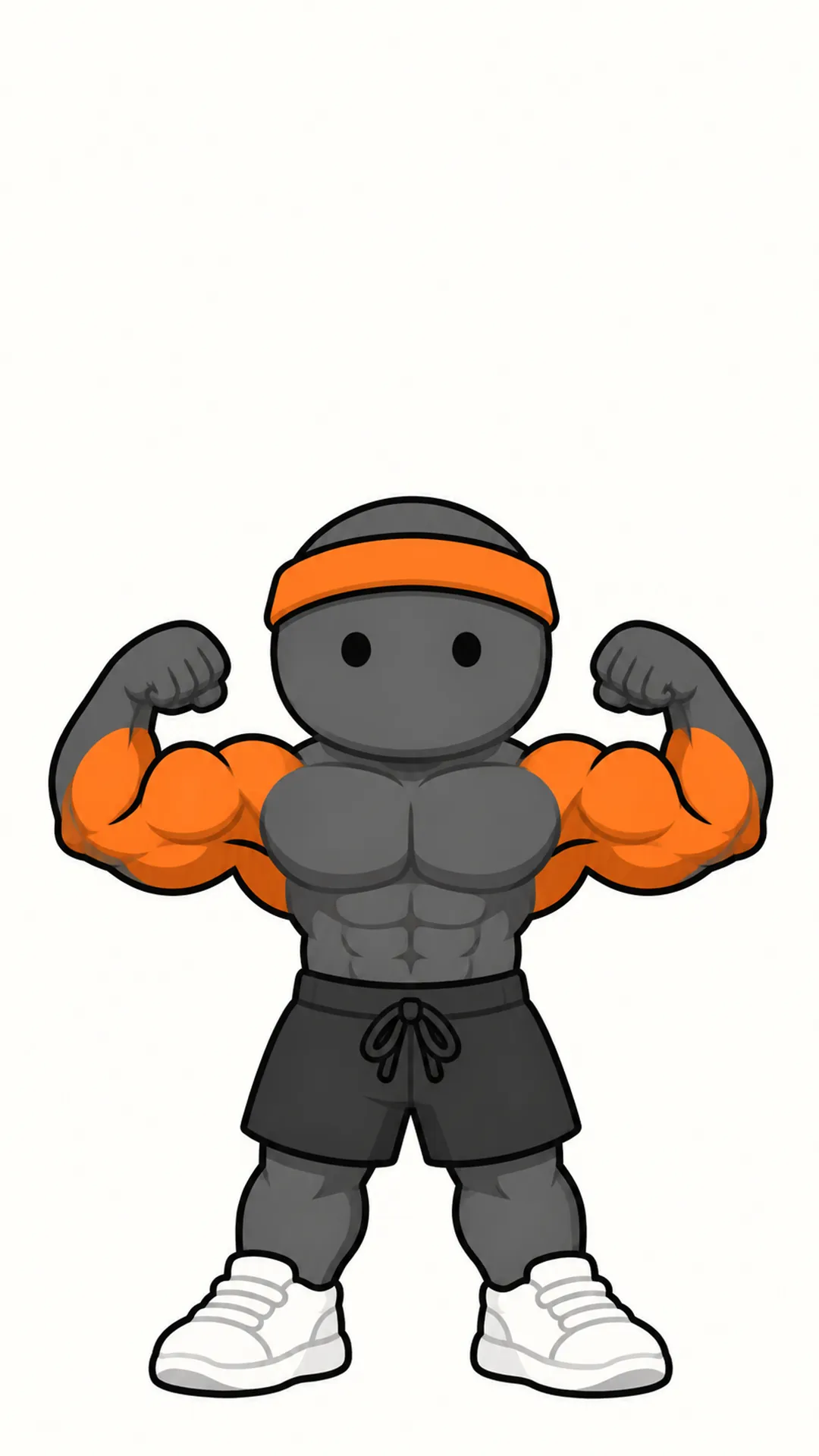
Give your channel a face, without showing yours
Add a host who talks in every video you make. Upload your mascot, or describe one and AI draws it. Its mouth moves with every word of the voiceover, and it reacts to what is said: surprised at a twist, thinking at a question, serious at a warning.
- Upload your own mascot, logo character or photo, or let AI make one
- Lip-sync from the voiceover: the mouth moves on every word, and it blinks
- Reacts line by line: happy, surprised, thinking, pointing, serious, excited
- Pick a corner and size; works in Shorts, Reels, TikTok and long YouTube videos
- 1 Upload or describe your host
- 2 Make it talk and react
- 3 It hosts every video you make
Founder Clip
Edit any talking-head video with simple switches
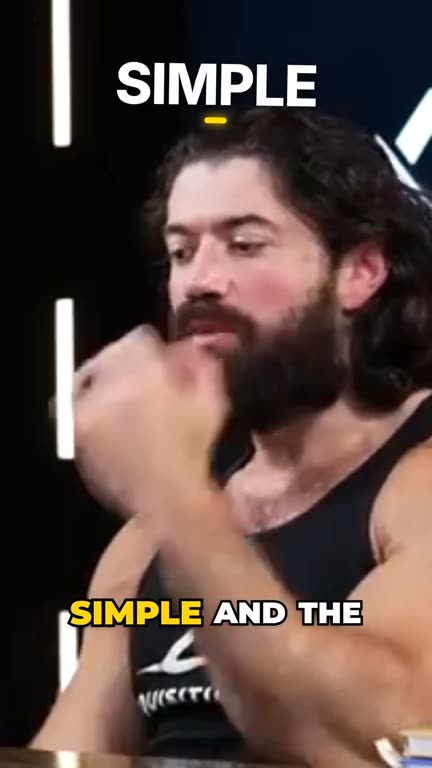
Upload a podcast, a talk or a selfie video. CelestiAI finds the best moments, frames you in 9:16 and edits each clip the way you switch it: captions, a hook that stops the scroll, big numbers and key words above your head, and stock B-roll.
- Captions Word by word, in your style
- Auto hook A big headline in the first 3 seconds
- Motion graphics Numbers and key words pop up, CEO-branding style
- Auto B-roll Short cutaways for what you talk about
✓ Save your edit as a Recipe
Keep your switches, colours and caption look as "My weekly vlog" and run it again in one click. Ready-made recipes: CEO branding, Podcast clip, Product talk.
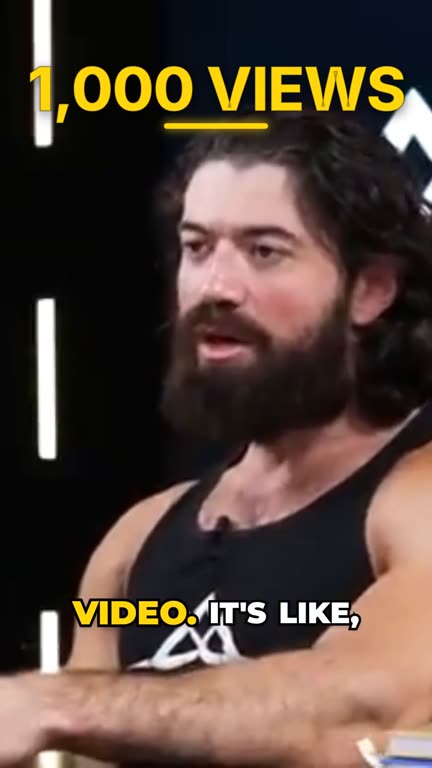
Source: Alex Hormozi (YouTube), used with permission
Slideshow maker
Photo slideshows that people swipe through
Start from a format that already works on TikTok, or describe your topic and let AI make every slide in your brand colour and style. Change any word, font or colour, then download.
- Ready-made formats: list collage, mascot guide, soft text, bold hook and more
- AI makes 3 to 8 slides from your topic, brand name and vibe
- Upload your own style picture and the slides follow it
- 9:16, 1:1, 4:5 or 16:9
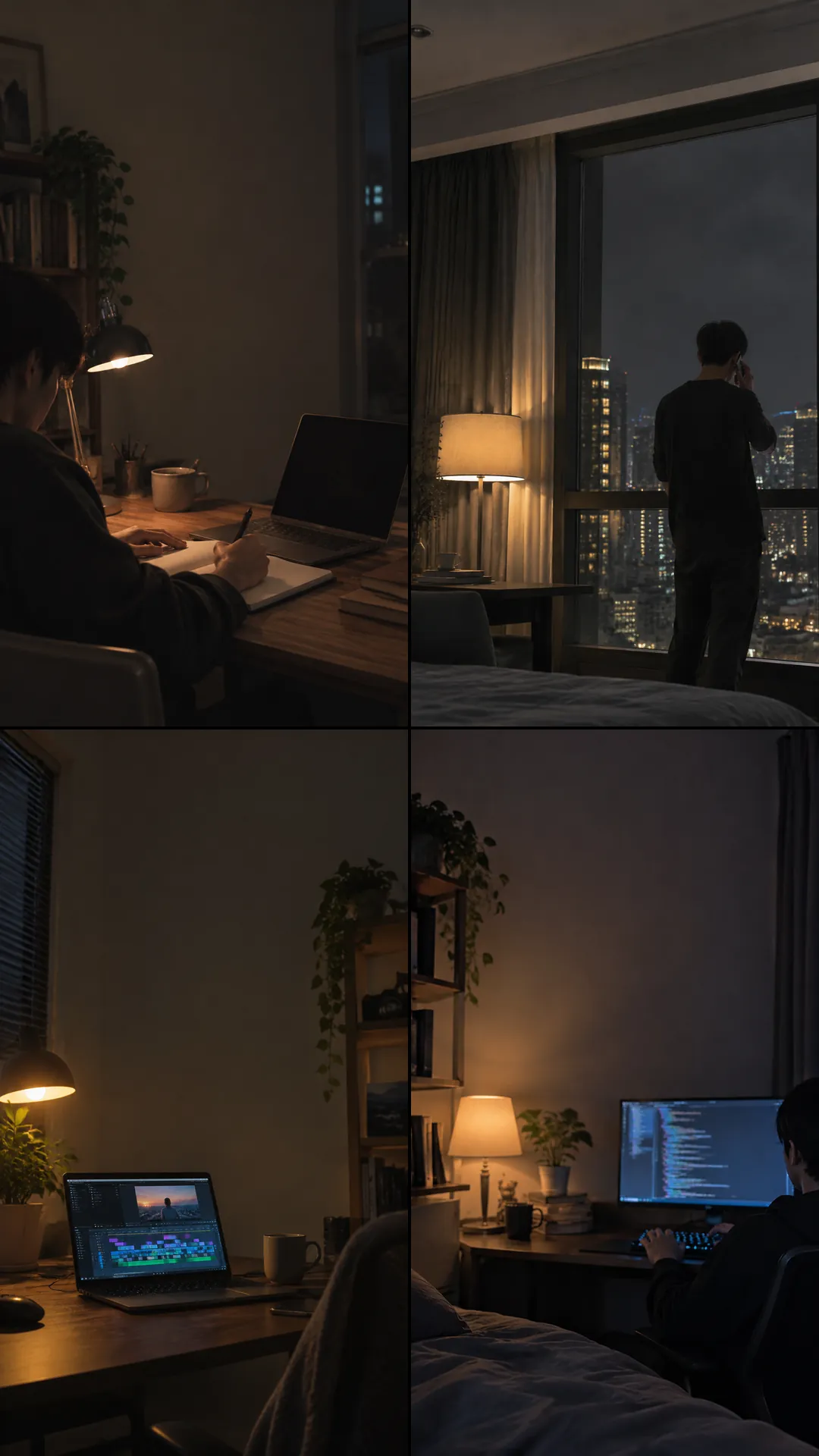












Real slides from the formats in the app. Swipe to see every slide.
Voice AI
Voices that sound like people, in Thai and English
Type your text and get a natural voiceover. Describe the voice you want, clone a voice from a short clip, or change your own voice into another one. Use it on its own or inside your videos.
Text to speech
Natural Thai and English speech from any text.
Design a voice
Describe it, like "a warm female news anchor", and get that voice.
Clone a voice
Make a voice from a short clip of someone speaking, with their permission.
Change a voice
Turn a recording of your voice into another voice.
Listen
Narration from videos made in CelestiAI.
Open voice models we run for you:
- VoxCPM2
- Qwen3-TTS
- Chatterbox
- Kokoro
- RVC v2
How it works
Three steps. No filming, no editing.
Watch a 50-second tutorial for each tool.
- 1
Write or paste
A script for a video, a topic for a slideshow, or text for a voiceover.
- 2
Pick the look and voice
Choose a style, a format and a Thai or English voice.
- 3
Download and post
Get a finished MP4, slides or audio file, sized for where you post.
Pricing
Start free. Upgrade when you post more.
Every plan includes Script to video, the Slideshow maker and Voice AI.
Launch Pack
one-time · no subscription
Same price as one month of Scale (175 credits), but 250 credits, paid once.
Get the Launch Pack → See the Prompt Pack- 250 AI credits ≈ 125 motion videos up to 5 minutes each, or about 500 shorts
- Credits never expire: use them this week or next year
- Every tool: Script to video, talking mascot host, Slideshow maker, Voice AI
- Bonus Prompt Pack: 27 ready-to-use prompts for scripts, hooks, hosts, slideshows and voices
Pay by Thai bank transfer and upload your slip; credits are added after we check it. Paying from abroad? Message us.
Premium
Most popularBest value — right for most people
- 10–30 short clips per month for your personal brand — write the script → clone the voice → cut AI B-roll → get a ready-to-post 9:16 clip
- 16 viral templates and caption styles to choose from
- Turn YouTube videos into viral shorts, and create UGC / VTuber content
Ultimate
Maximum power — for teams and agencies
- 70–100 short clips per month for your brand — enough for your whole team to publish every day
- Schedule posts automatically to 6 channels with the Content Calendar
- Fresh viral ad ideas every day + 1:1 support until your work ships
Studio
For creators publishing long motion videos every week
- 125 AI tokens per month — about 62 full AI motion videos (up to 5 min each), or 250+ short 15–60 s motion videos
- Script → YouTube-ready video: voice, motion graphics, captions and music in one click
- Schedule posts automatically to 6 channels with the Content Calendar + 1:1 support
Scale
For agencies and teams publishing at high volume
- 175 AI tokens per month — about 435 minutes of AI motion video, or 43 videos of 10 minutes each
- Schedule posts automatically to 6 channels with the Content Calendar
- Fresh viral ad ideas every day + 1:1 support until your work ships
FAQ
Questions, answered
Your next video starts
with the words you already have.
Paste a script, make a slideshow or record a voiceover. Start free.
Start freeFree plan · No credit card needed